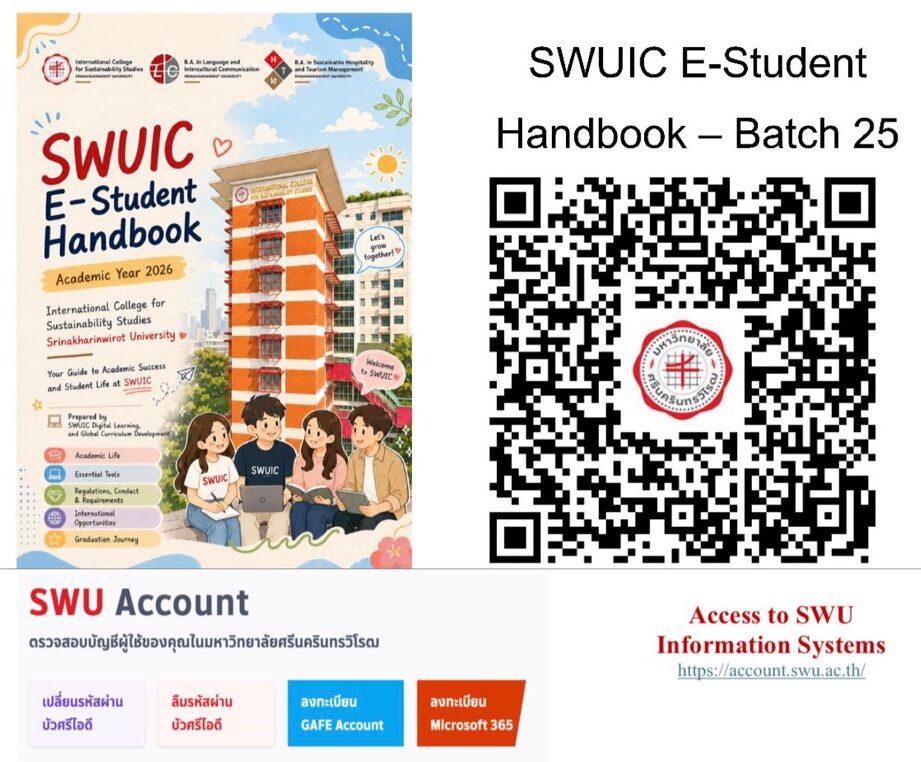
SWUIC E-Student Handbook – Batch 25
To access the SWUIC E-Student Handbook, please use your g.swu account by following these simple steps:
1. Visit account.swu.ac.th.
2. Create your BUASRI ID.
3. Sign in to Google and create your GAFE account. Please remember to keep your username and password in a safe place.
4. Once your GAFE account is created, you will automatically receive your g.swu account. This account will be your official SWU Google account and will be used throughout your four years at SWUIC for services such as Google Drive, Google Classroom, and other Google Workspace applications.
5. You’re all set! You can now access the SWUIC E-Student Handbook by scanning the QR code provided.